Slovenčina
  Deutsch
  España
  Francais
  Polish
  Russian
  Čeština
  Greek
Greek  Lithuania
  Romanian
  Arabic
  Português
  Indonesian
  Croatian
  Serbia
  Farsi
Farsi  Hebrew
  Mongolian
  Bulgarian
  Georgia
  Azerbaijani
  Thai
Thai  Turkish
  Magyar
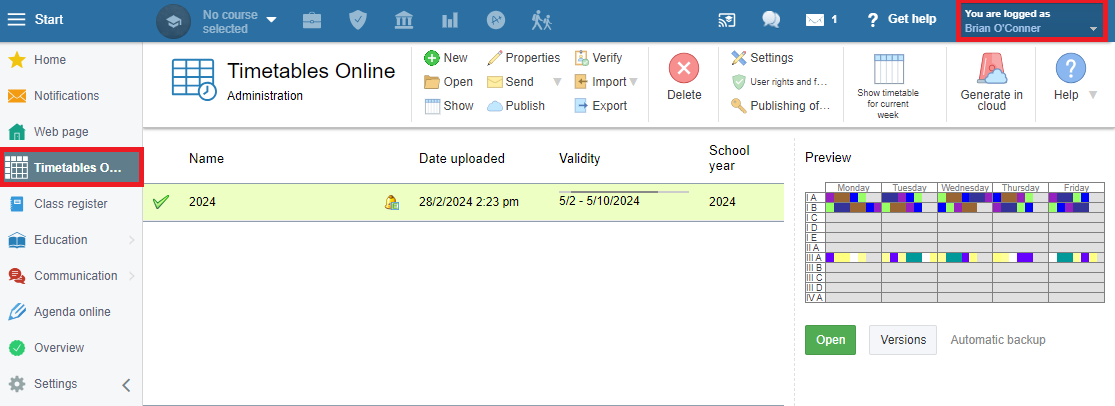
 =How to give user rights to another teacher to administer Timetables Online?
As an administrator, you can give user rights to a fellow teacher to administer timetables online in EduPage.
You should start by creating a teacher's account for this teacher in EduPage: How to create accounts for teachers, students and parents
Next, you give them user rights to administer timetables: User rights - Overview
The teacher can then see and administer timetables from their teacher's account.