España
  Francais
  Polish
  Greek
Greek  Romanian
  Arabic
  Português
  Indonesian
  Croatian
  Serbia
  Farsi
Farsi  Mongolian
  Bulgarian
  Georgia
  Azerbaijani
  Turkish
  Magyar
 How to give rights on Class Register, Substitution or other module administration to a teacher?


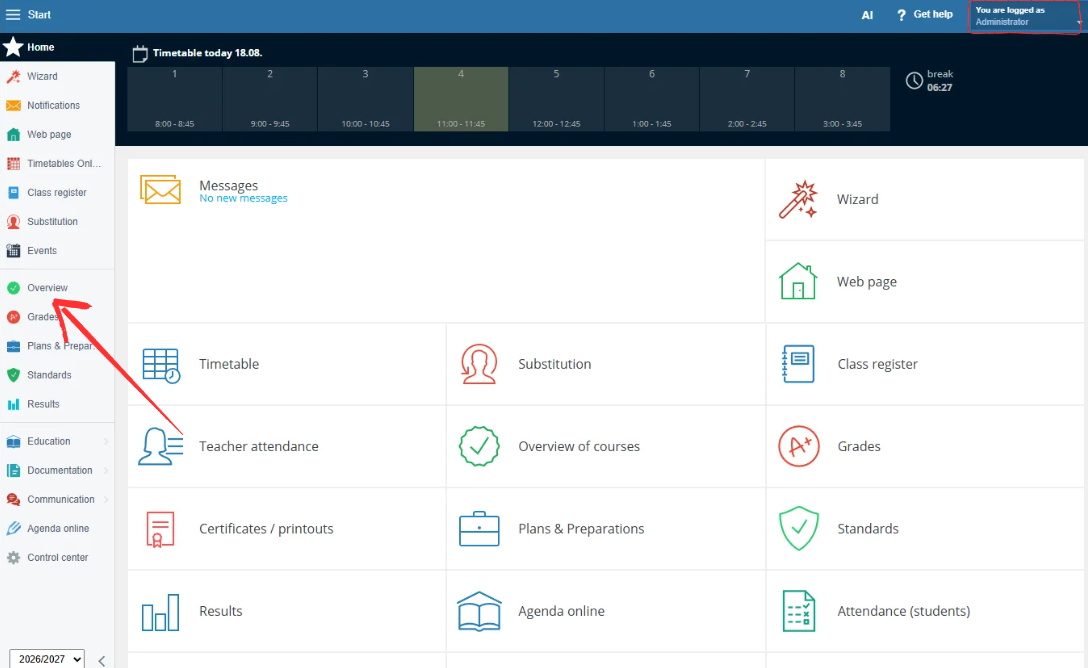
Log in as an administrator and open Overview from the left menu.
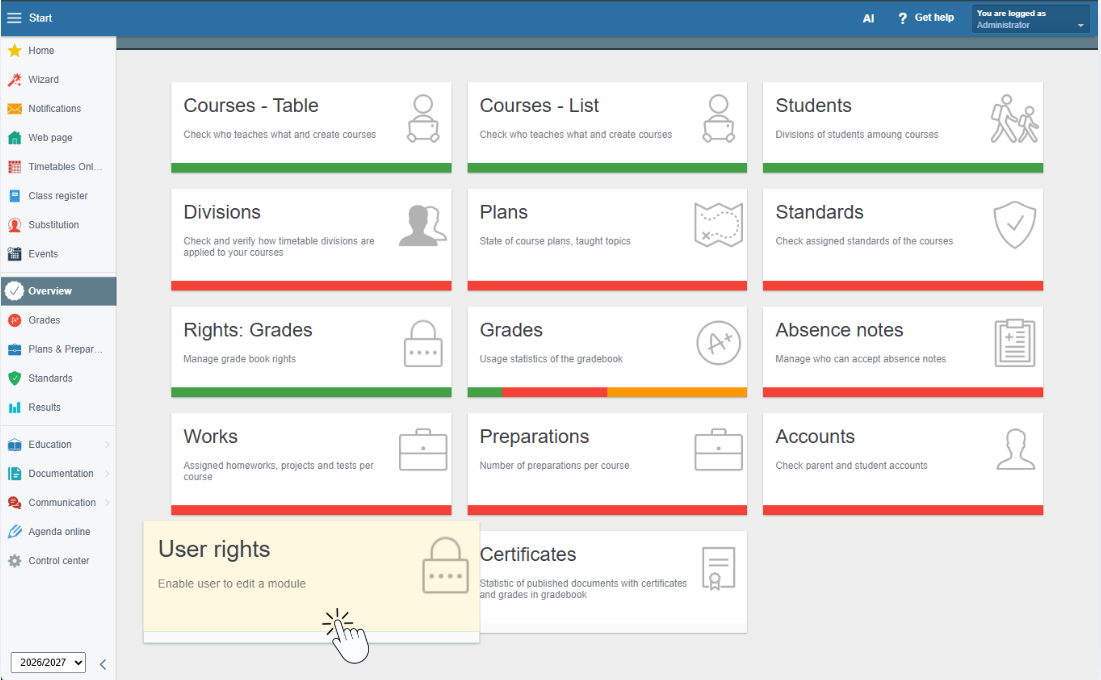
In the Overview, select User rights.
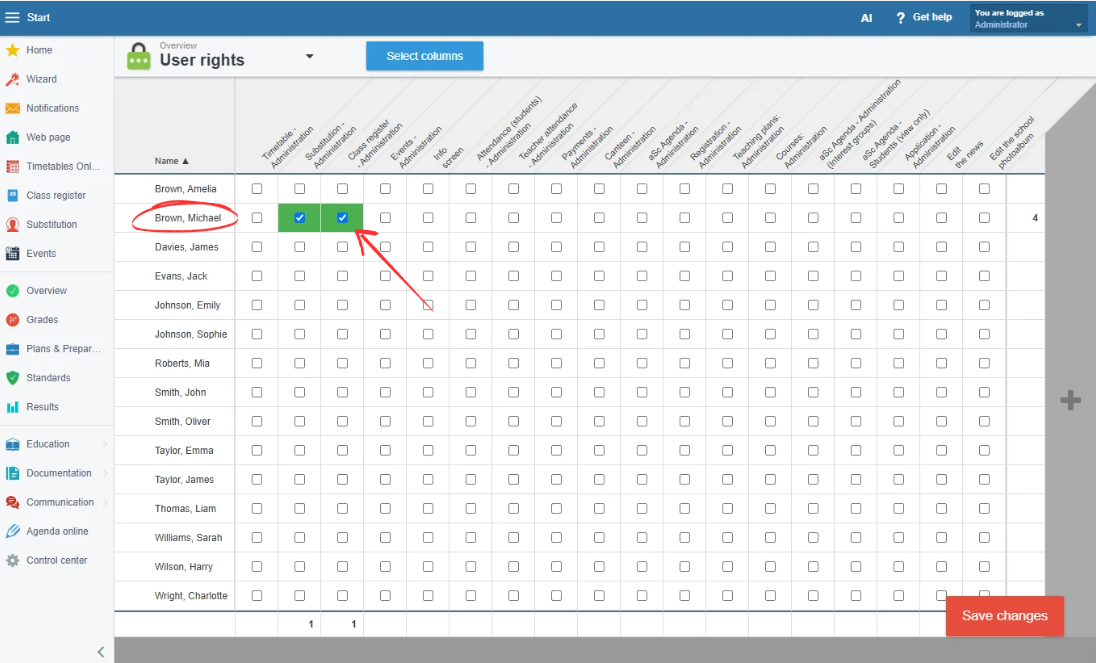
You will see a list of teachers, where you can assign them the user rights they need.
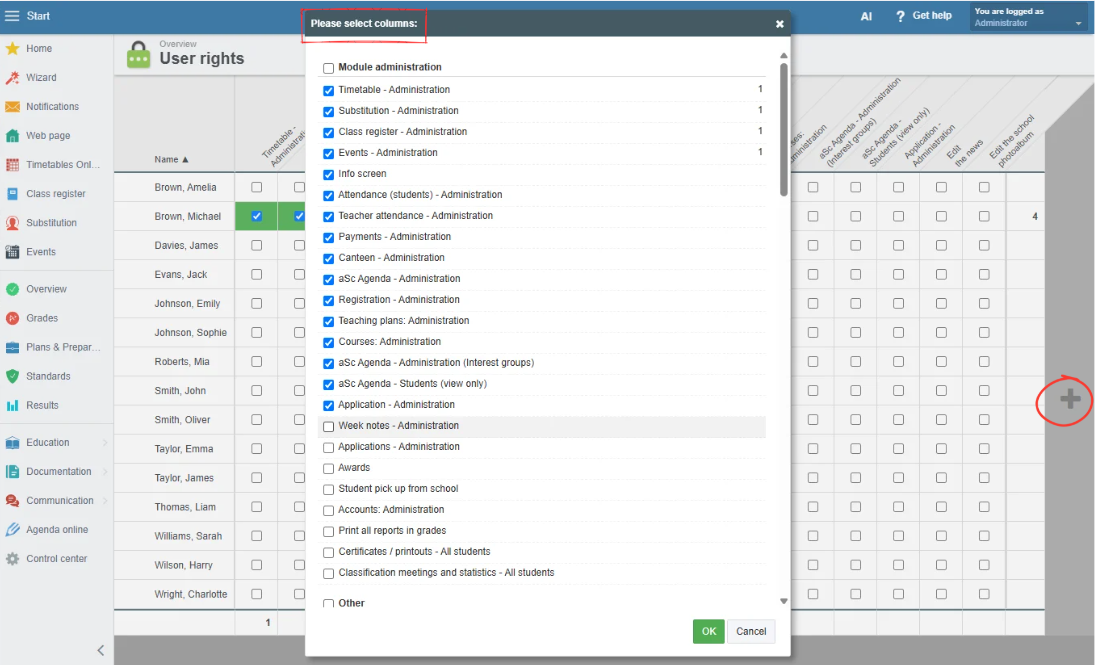
By clicking the + button, you can select which user rights will be displayed in the table.